/resources/sites/168/files/picker/signed-financials-and-audit-report.pdf <<<< this is the upload code from when you upload a doc but do not give it a title and do not make it a button.
Then you put this code into the space between the " " marks below
<iframe src="paste the resource link url above into this space"></iframe>
For a video use this - this makes the video play automatically and it has no bounding box around it and continuous play
Upload the video to the resource area as a document (not an image) then Ctrl X it from the page and paste it in where the red text is below.
Then copy the whole code between the < > into the Insert/Edit Media Embed window.
<video width="1000" height="625"
style="display: table; margin-left: auto; margin-right: auto;"
autoplay muted loop playsinline>
<source src="after uploading the video to the resource area as a file paste the resource link url in this space" type="video/mp4">
</video>
Then copy and paste the whole iframe code into the 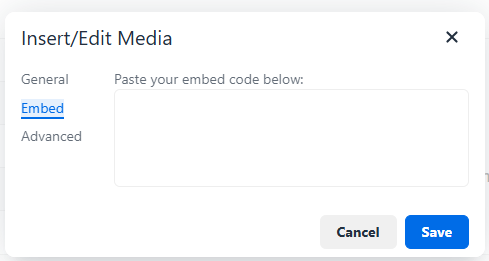
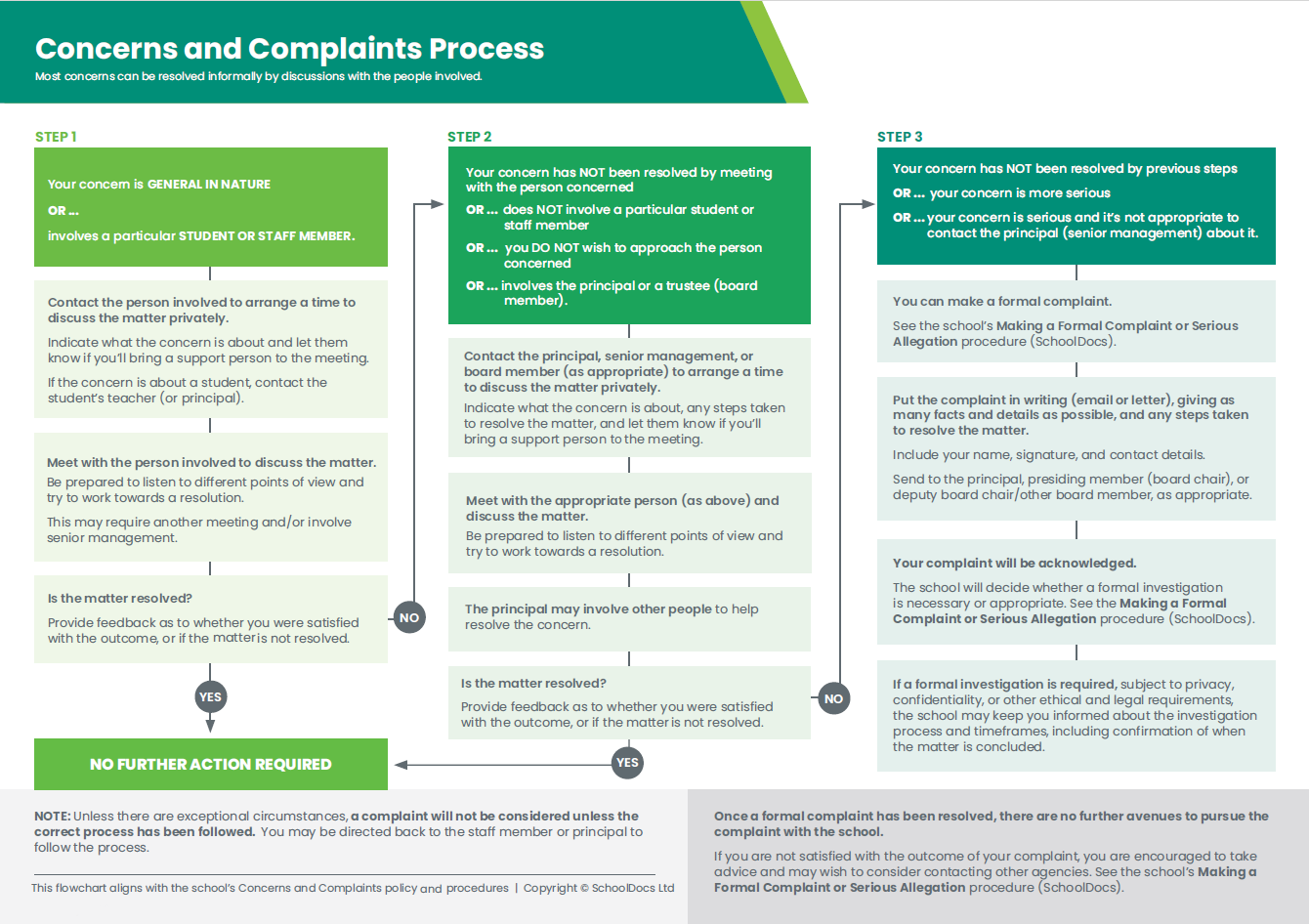
Check our School Policies and Procedures or follow the process shown in the chart provided below.
If you are viewing this site in Google then you need to to to the 3 little dots at the top right of your screen and choose Translate. You will then be able to chose what language you wish to view the site in.
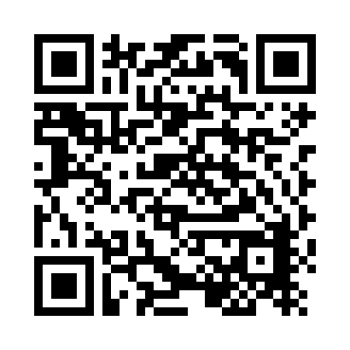
Scan this code to download the app
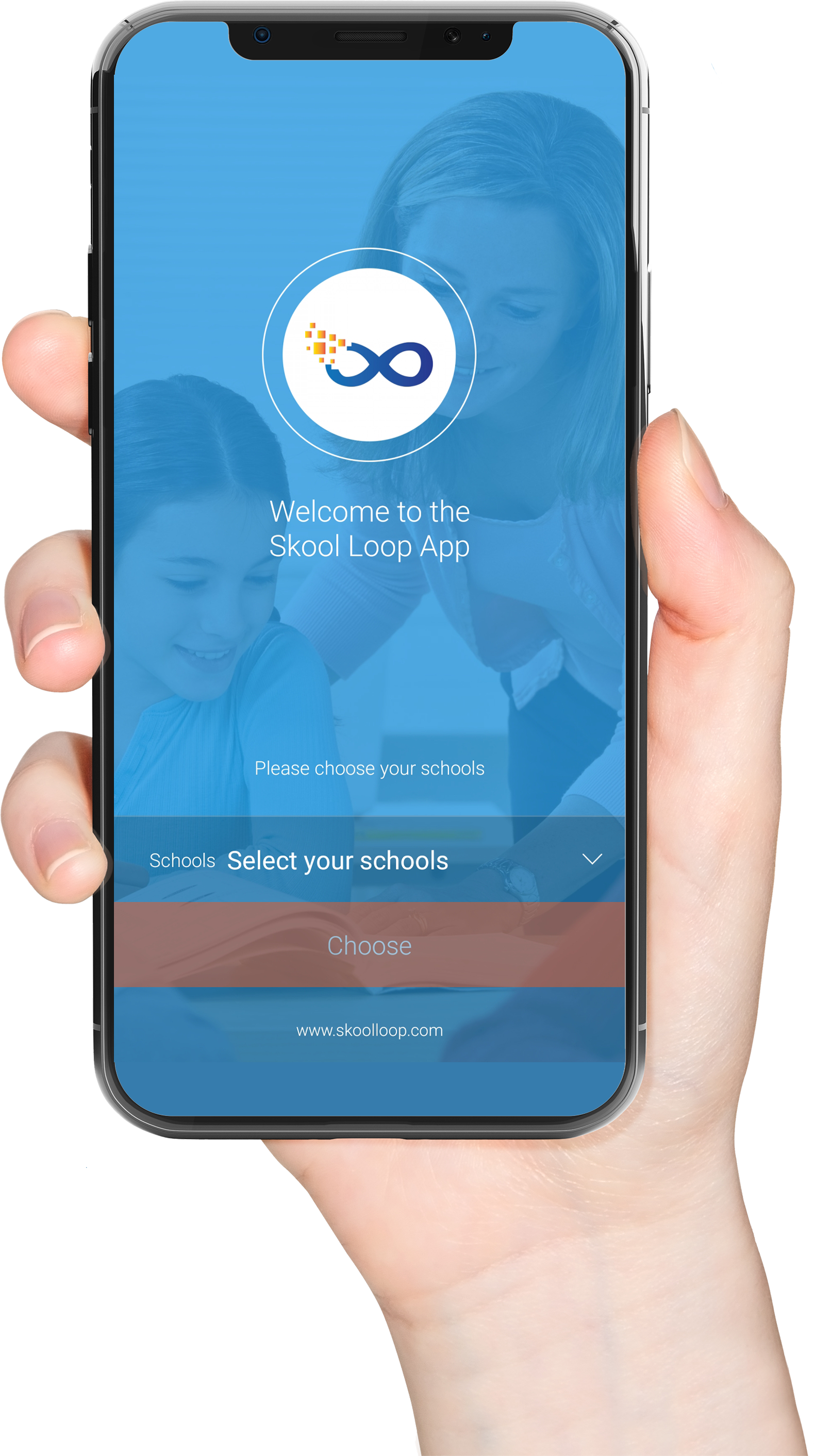
Download our Skool Loop App, a simple and free download. In Google Play & App Store search ‘Skool Loop’ and choose our school once installed.